
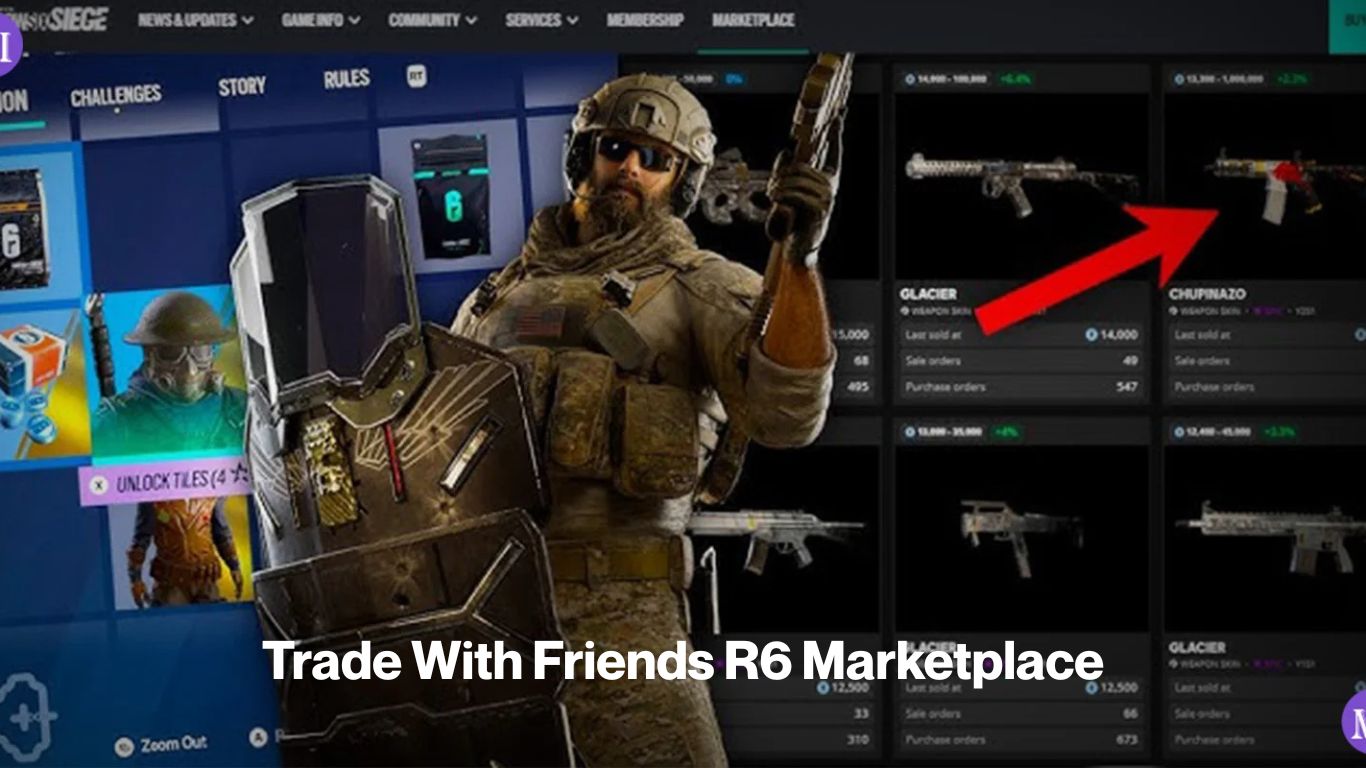
The R6 Marketplace has no direct friend-to-friend transfer feature. There’s no gift button, no trade request, no peer-to-peer send. The only way to move a skin to a specific person is through the order book your friend places a buy order at an agreed price, you list a sell order at exactly that price, and the system matches them. Done right, it works cleanly. Done carelessly, a stranger can intercept the transaction before your friend’s order fills.
The marketplace is offline right now following the 27 December 2025 exploit, but this method will be the same when it returns. Read this before you try it.
How to Trade Skins With Friends on the R6 Marketplace
Every trade on the marketplace goes through an order book. Buyers place buy orders at their target price; sellers list sell orders at their asking price. The system fills the lowest-priced sell order that matches an incoming buy order. It doesn’t know or care who the buyer and seller are it’s purely price-based.
That’s the key constraint for friend trades. If you list a skin at 500 Credits and your friend has a buy order at 500 Credits, the system will match with your friend’s order unless another buy order at 500 Credits already exists in the queue, in which case that buyer gets priority first.
Method: coordinated matching orders
Step 1: Agree on a price
Both of you need to agree on a specific price before either of you places an order. The safest price for a friend trade is one that nobody else is currently bidding at. Check the active buy orders for the skin you’re trading if the highest existing buy order is at 400 Credits and you want to transfer a skin, agreeing on 401 or some other price not currently in the book reduces the chance of a snipe.
For low-demand skins with thin order books, the sniping risk is minimal. For popular items Black Ice variants, Obsidian, Gemstone the order book is busier, and you need to be more careful.
Step 2: Your friend places the buy order first
The buyer (your friend) puts the agreed buy order in first and confirms it’s active. Don’t list your sell order until your friend tells you the buy order is live. This order is in the queue, waiting.
Step 3: You list the sell order immediately after
The moment your friend confirms the buy order is placed, list your sell order at exactly the same price. The system should match them quickly. Stay in contact with your friend the whole time voice chat or a message thread open so you can coordinate the timing.
Step 4: Confirm the trade completed
After the match executes, your friend checks their inventory they’ll need to play a match to trigger the inventory sync before the skin appears in their loadout. You’ll see the R6 Credits (minus the 10% transaction fee) arrive in your Ubisoft wallet.
Worked example – Trade With Friends R6 Marketplace
Say you want to pass a Black Ice MP5 to your friend. The current order book for that skin shows the highest active buy order at 350 Credits and the lowest sell order at 420 Credits.
You agree to trade at 370 Credits a price not currently in the book as a buy order.
- Your friend places a buy order for the Black Ice MP5 at 370 Credits
- Your friend confirms it’s live in the order book
- You immediately list the Black Ice MP5 as a sell order at 370 Credits
- The system matches your sell to your friend’s buy
- Your friend receives the skin; you receive 333 Credits (370 minus the 10% fee)
The 10% fee applies to every sell order, no exceptions. Budget for it when you agree on a price.
How to avoid order sniping
Sniping happens when another buyer already has an active order at the price you chose, and their order fills before your friend’s does. The system processes existing orders in queue a buyer who placed their 370-Credit order an hour before your friend placed theirs gets priority.
Ways to reduce the risk:
- Pick a price not currently in the buy order queue: Check the active bids before you agree on a number. If 370 Credits already has buyers queued, pick 371 or a different number.
- Coordinate in real time: Don’t list your sell order until your friend has confirmed the buy is live. The longer the gap between the buy order being placed and your sell order going up, the more time someone else has to place their own buy at the same price.
- Use off-peak timing: High-traffic periods right after a patch drops or during major content releases mean more active orders. Quieter times reduce the chance of someone else bidding at your agreed price.
- For high-value items, go one Credit above any existing bids: If the top buy order is at 500 Credits, agree on 501 with your friend. That puts your friend’s order above current competition.
There’s no way to guarantee the trade goes exclusively to your friend the system is anonymous and price-driven. But these steps make a snipe very unlikely.
You Must Also Read About: Why Can’t I Sell on R6 Marketplace?
What this costs
| Item | Amount |
| Agreed trade price | e.g. 500 Credits |
| Seller receives (after 10% fee) | 450 Credits |
| Buyer pays | 500 Credits |
| Ubisoft’s cut | 50 Credits |
The fee comes off the seller, not the buyer. If you’re trying to move a skin to a friend for “free” as a gift you as the seller absorb the fee and receive nothing. Your friend pays the agreed price, the system takes 10%, and you get the rest. Factor this in if you’re trying to price a gift trade.
The full mechanics of sell orders including the relisting hold, active-order limits, and pricing strategy are covered in the How to Sell on the R6 Marketplace page. If either you or your friend hasn’t traded before, run through that page before attempting a coordinated friend trade.