
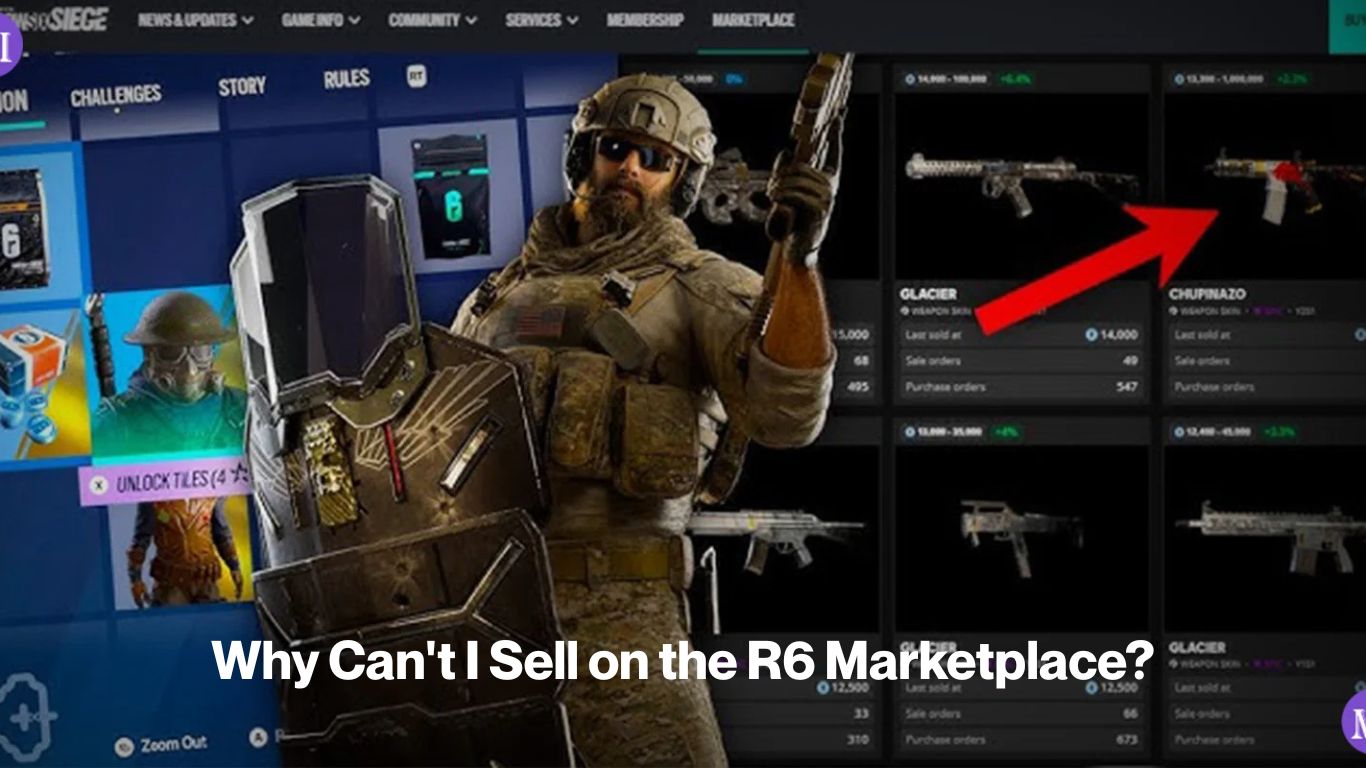
The question here is why can’t i sell on r6 marketplace. So, If your skin isn’t showing up to list, or you’re hitting an error when you try to create a sell order, one of four things is almost certainly happening: the item isn’t tradable, it’s locked because it’s from the current season, your inventory hasn’t synced yet, or you don’t meet the account eligibility requirements. Each one has a different fix and none of them mean your skin is gone.
The marketplace has also been offline since 27 December 2025, so if you can’t access it at all right now, that’s a separate issue covered on the Is the R6 Marketplace Down Right Now? page.
Reason 1: The item isn’t tradable
Not every cosmetic in your Siege inventory can be listed on the marketplace. Ubisoft decides which items enter the tradable pool, and a lot of skins particularly those bought directly from the Ubisoft Store or earned through event passes are locked to your account permanently.
Tradable items are a subset of your collection, not the whole thing. Skins that came from Alpha Packs or Bravo Packs are generally tradable. Many direct-purchase cosmetics, battle pass rewards, and limited event items are not. There’s no single list Ubisoft publishes that covers every item’s tradability status, but the marketplace itself will tell you if a skin doesn’t appear in your sellable inventory when you open the listing screen, it’s account-locked and can’t be traded.
Weapon charms, attachment skins like Aethereal Flux, Dark Familiars, and Beryl Matrix, and older seasonal operator cosmetics that have cycled out of the current season tend to be tradable. Newer items you bought outright from the Bravo Store generally aren’t.
Reason 2: The item is current-season locked
New cosmetics tied to the active season operator uniforms, headgear, and other items released in the current operation are temporarily blocked from trading. This is a deliberate mechanic, not a bug. Ubisoft locks them during the season they’re introduced to prevent immediate flipping at launch.
Once that season ends and the items rotate into the permanent pool, the lock lifts and they become tradable on the marketplace. If you bought or earned a skin this season and it won’t list, wait for the next season to begin. It’s not a tradability issue with that item permanently just a timing restriction.
This catches a lot of players off guard after a new operation drops. You see the skin in your inventory, you try to list it, and the marketplace won’t show it in your sell options. That’s the current-season lock doing exactly what it’s supposed to do.
Reason 3: Your inventory hasn’t synced
This is the one that trips up almost every new seller, and it’s frustrating because there’s no obvious error message explaining what’s wrong. You open the marketplace, go to create a sell listing, and the skin you want to sell just isn’t there even though you can clearly see it in your in-game loadout.
The fix: close the marketplace, play a match, then come back.
Your Siege inventory needs active match activity to push an update to the marketplace system. It doesn’t sync passively just from logging in. One completed match is usually enough. After that, the skin should appear in your sellable inventory. This applies to both the PC in-game client and the web portal that console players use if your inventory is out of date on PS5, Xbox, or any other platform, playing a match on that platform should trigger a refresh.
Reason 4: You don’t meet the account requirements
The marketplace has a baseline eligibility check that runs on every account. If any of these aren’t met, you can’t list sell orders:
| Requirement | What blocks you if it’s missing |
| Clearance Level 25 | You can browse and place buy orders but can’t sell |
| Two-factor authentication (2FA) active | The sell option is blocked entirely |
| No active sanctions | Any active ban or restriction on your Ubisoft account locks marketplace access |
The Clearance Level 25 gate blocks sell orders specifically so you might be able to see the marketplace and even place buy orders below that level, but the sell function won’t activate. If you only recently hit the level requirement, log out of Ubisoft Connect and back in to refresh the eligibility check before trying again.
Two-factor authentication needs to be active on your Ubisoft account, not just enabled in the game. Go to your Ubisoft account security settings at ubisoft.com and confirm 2FA is switched on there.
Reason 5: The item is in a pending order or under the relisting hold
If you recently bought a skin on the marketplace, there’s a hold period of approximately 15 days before you can relist it as a sell order. This isn’t a bug it’s a designed cooldown to limit rapid flipping. If you bought a skin yesterday and it won’t appear in your sell inventory today, check when you purchased it. You’ll need to wait out the 15-day window before it becomes sellable.
Separately, if a skin is currently part of an active buy or sell order you placed earlier, it’s tied to that order and can’t be listed again until that order is cancelled or completes.
Reason 6: Your listing isn’t selling (different from not being able to list)
If you can create the sell listing but it’s sitting there without completing, that’s a pricing issue, not an access issue. The marketplace fills the lowest-priced matching sell order first. If you’ve priced your skin above every other active listing for that item, your order will never execute a buyer’s order matches against the cheapest available ask, not yours.
Check the current order book for your item. If there are sell orders below your price, drop to one Credit under the cheapest active listing. That’s the practical way to actually move a skin rather than having it sit indefinitely.
You Must Also Read About: Trade With Friends R6 Marketplace
FAQ’s About Why Can’t I Sell on the R6 Marketplace?
1. Why is my skin not showing in the R6 Marketplace sell inventory?
Your inventory most likely hasn’t synced. Play one match in Siege, then return to the marketplace the skin should appear in your sellable items. If it still doesn’t show, the item may not be tradable (bought directly or permanently account-locked) or it may be current-season locked and will become tradable after the season ends.
2. Why can’t I sell on the R6 Marketplace even though I meet the requirements?
The most common remaining cause is a recently purchased skin under the 15-day relisting hold. Skins bought on the marketplace can’t be listed for resale for approximately 15 days after purchase. Check your purchase date. If you’ve met all eligibility requirements and the skin isn’t under a hold, contact Ubisoft Support this can also be caused by an account sanction you may not be aware of.
3. Can I sell any skin I own on the R6 Marketplace?
No. Only skins designated as tradable by Ubisoft can be listed. This generally includes skins from Alpha and Bravo Packs, plus older seasonal cosmetics that have left the current-season lock. Skins bought directly from the store, earned through event passes, or tied to your account permanently won’t appear as listable items, regardless of how long you’ve owned them.
Once you’ve identified which reason applies to your situation and resolved it, the How to Sell on the R6 Marketplace page covers the full sell order process including how to price your listing to actually get it sold.